Journey step 01, Prepare the inputs:Intake & coordination
Laboratory teams
Organize sample intake and see which cases need attention.
Genomics & transcriptomics
Genomics and omics analysis software for research laboratory and bioinformatics teams.
Research WESIn developmentWGSPlannedCancer/somaticPlanned
The sequencing ecosystem
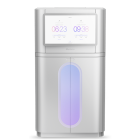
Illumina
NovaSeq X Plus
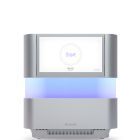
Illumina
NextSeq 2000
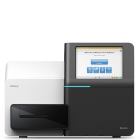
Illumina
MiSeq
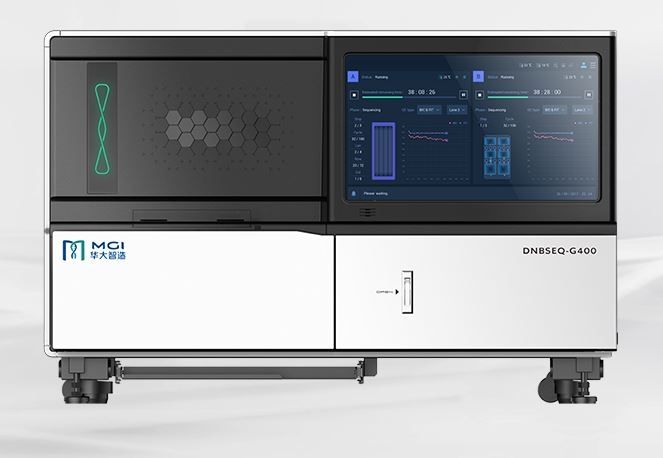
MGI
DNBSEQ-G400
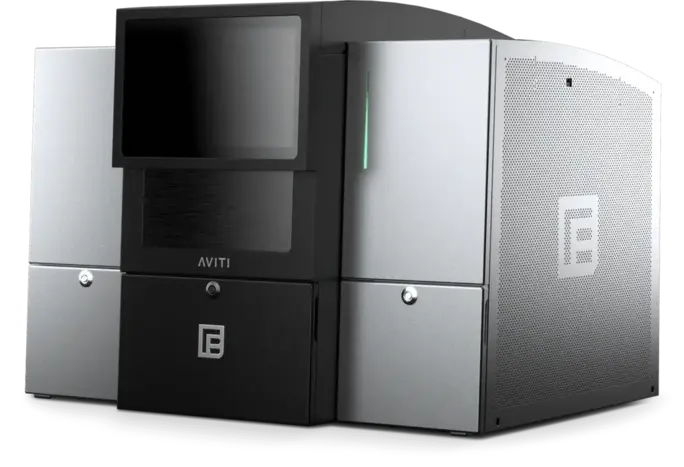
Element Biosciences
AVITI
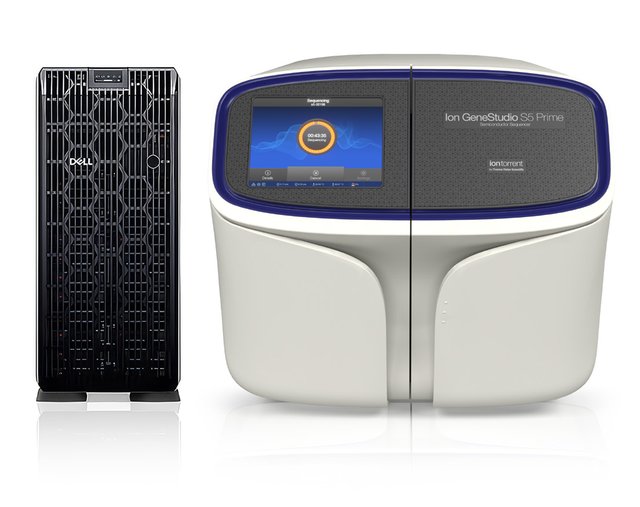
Thermo Fisher Scientific
Ion GeneStudio S5 Prime
Illumina
NovaSeq 6000
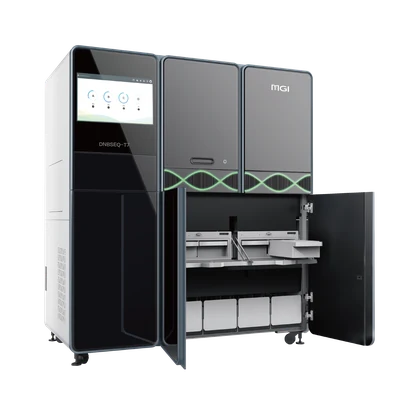
MGI
DNBSEQ-T7
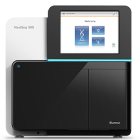
Illumina
NextSeq 550
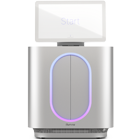
Illumina
MiSeq i100 Plus
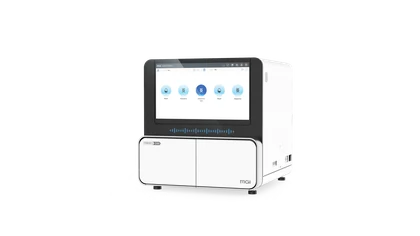
MGI
DNBSEQ-G99
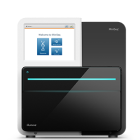
Illumina
MiniSeq
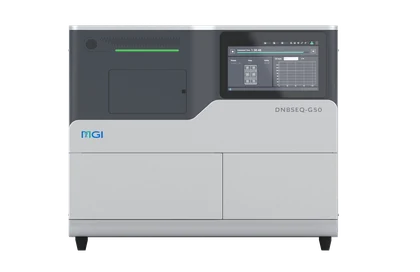
MGI
DNBSEQ-G50
Examples of sequencing platforms.
Sequencing input guidePaired FASTQ to alignment and germline SNV/indel calling, with capture BED support.
Explore Whole-exome analysis
BED and target-region infrastructure provide the foundation for dedicated gene panel workflows.
Explore Targeted gene panelsAn in-development annotation and evidence workbench, with variant ingest and source-provenance foundations.
Explore VCF evidence workbench
Development processing for RNA quality control, alignment, expression quantification and workflow artifacts.
Explore RNA-seq
Tumor-only presets, PCGR execution integration and structured oncology results.
Explore Cancer / somatic
A planned dedicated WGS product, building on underlying Sarek configuration capability.
Explore Whole-genome analysisA planned expansion into epigenetic datasets and their analysis context.
Explore EpigenomicsA planned direction for working with data at the level of individual cells.
Explore Single-cell analysisA planned direction for connecting complementary omics datasets and their context.
Explore Multi-omics integration
A possible extension into molecular measurements and metabolomic analysis.
Explore MetabolomicsHow it works
Synthetic walkthrough · No real analysis
Open workspace previewFor research laboratory and bioinformatics teams. This is a development pathway illustrated with synthetic data; pilot access depends on enablement and qualification.
Paired FASTQ + capture BED, with declared GRCh38 reference context.
Alignment and germline SNV/indel calling form the research WES development path.
Annotation integration, durable review and final reports remain unfinished.
PGX-024 · Whole-exome analysis
Sample context
Record sample, target BED and reference identifiers. Structural validation does not bind runtime reference assets.
Pair synthetic FASTQ inputs with capture BED and an explicit GRCh38 research reference context.
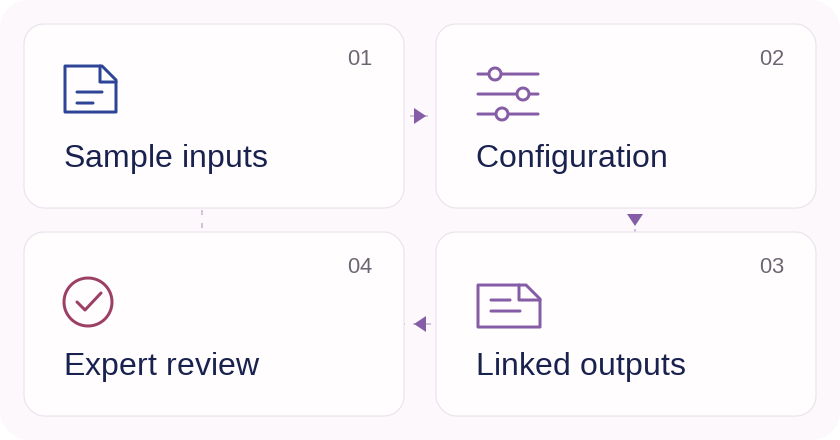
Who it’s for
Each role meets the WES journey at its own step.
Journey step 01, Prepare the inputs:Intake & coordination
Organize sample intake and see which cases need attention.
Journey step 02, Computational analysis:Configuration & analysis
Inspect run settings and follow the progress of computational work.
Journey step 03, Evidence review:Evidence & interpretation
Examine variant evidence and give your assessment its own space.
About Phegenix
Phegenix develops software for research laboratory teams. Our current focus is a connected WES development workflow, from sequencing inputs to variant evidence.
Research WES: in development. WGS: planned. RNA-seq: planned. Cancer/somatic: planned. Research pilot access depends on owner enablement and qualification. No clinical service is established. The workspace uses synthetic example data and runs no real analyses.
No. You can open the workspace preview directly and explore its example cases, analyses and evidence views.
The credits and prices are illustrative. Draft analyses and credit top-ups are simulations; the website does not process payments.
Discuss research WES pilot interest and input requirements. Access depends on enablement and qualification.